
Jerry Cursor

Try this cursor
Preview Jerry Cursor in this sandbox. Hover and click - no extension needed for a test on this page. Download PNG, JPG, or CUR
Move here to see the default cursor
 DefaultMove around the board
 PointerHover a button or link
Description
Jerry Mouse, a clever and brave brown house mouse from the Tom and Jerry animated comic cartoon, is known for his love of cheese and daring escapes from Tom. Our custom cursor featuring Jerry Mouse for Chrome captures his thoughtful mood. Explore our incredible collection of Tom and Jerry custom cursors and replace your boring cursors with these adorable options.
What's included in the package
- Default Cursor
- Pointer (Hand)
How to install a custom cursor pack Jerry Cursor
Install the Cursor Space extension for Chrome or Cursor Space for Edge in your browser.
On this page, click "Add this cursor pack to the extension".
Open the extension and go to the Packs tab.
Find the custom cursor pack "Jerry cursor" and click it.
Enjoy!
Ready to install?
Get this cursor pack and thousands of others by installing our extension. It's fast and free!
Install for ChromeAbout this cursor pack
Jerry Cursor is a themed cursor pack you can add to your browser to personalize your pointer across common cursor states (default and pointer). Use it for everyday browsing, streaming, studying, or gaming-anywhere you want your cursor to match your vibe.
Instant preview
See how the cursors look before installing.
Easy install
Add the pack to the extension in a few clicks.
Works in your browser
Designed for Chrome and Edge via the extension.
FAQ
Quick answers to common questions about cursor packs, collections, and installation.
Do I need an extension?
Yes. To apply cursor packs in Chrome or Edge, install the Cursor Space extension and add this pack to it.
Which browsers are supported?
Cursor packs are designed for Chromium browsers like Chrome and Microsoft Edge.
How do I switch back to the default cursor?
Open the extension, choose another pack or disable the current one to return to your default cursor.
Can I try the cursor before installing?
Yes. Use the Try this cursor section on this page to preview default, pointer, and other states. Add the pack to the extension to use it across the web.
Can I download the cursor files?
Yes. Open Download files on this page for Arrow and Pointer PNG, JPG, and CUR (hotspot included). You can also copy CSS, Roblox, Unity, and Godot snippets.
Popular cursors today
Most installed packs in Tom & Jerry Custom Cursors - add them to Chrome or Edge in one click.
- Top 1
 Happy Tom cursorDiscover joy with the happy Tom cat cursor for Chrome in our collection inspired by Tom and Jerry custom cursors for your mouse and pointers.
 - Top 2
 Angry Jerry cursorSpice up your cursor collection with the incredible Tom and Jerry custom cursors, and say goodbye to boring cursors forever.
 - Top 3
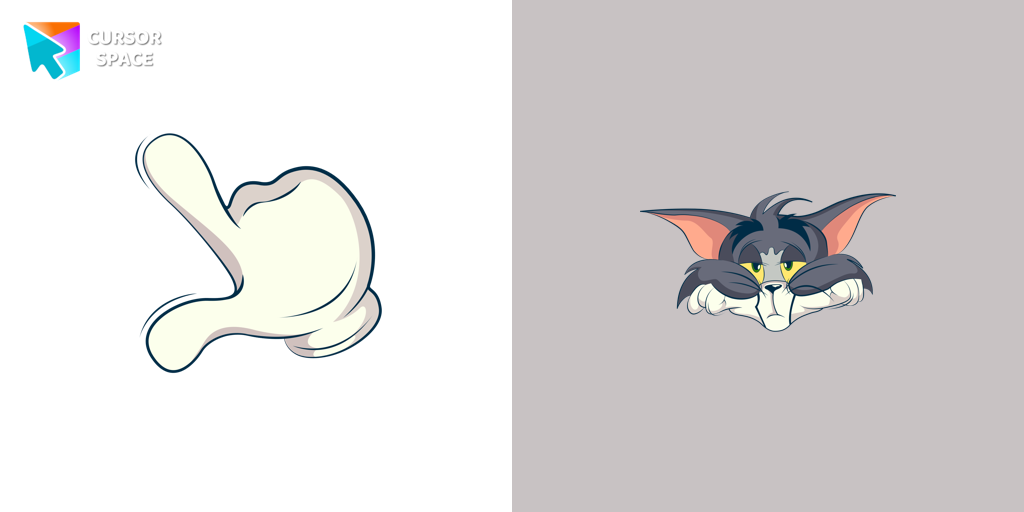 Bored Tom cursorThe Tom and Jerry custom cursor collection for Chrome features a fun and animated cursor of Tom, the mischievous cat.
 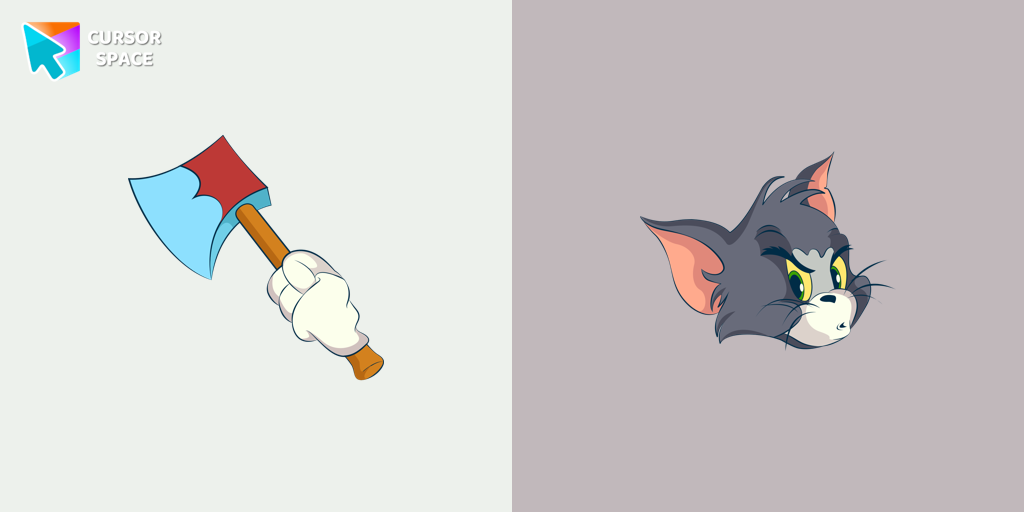 Angry Tom cursorBring the iconic Tom cat to your screen with this custom cursor for Google Chrome. Get the angry Tom cat cursor from the Tom & Jerry collection today!
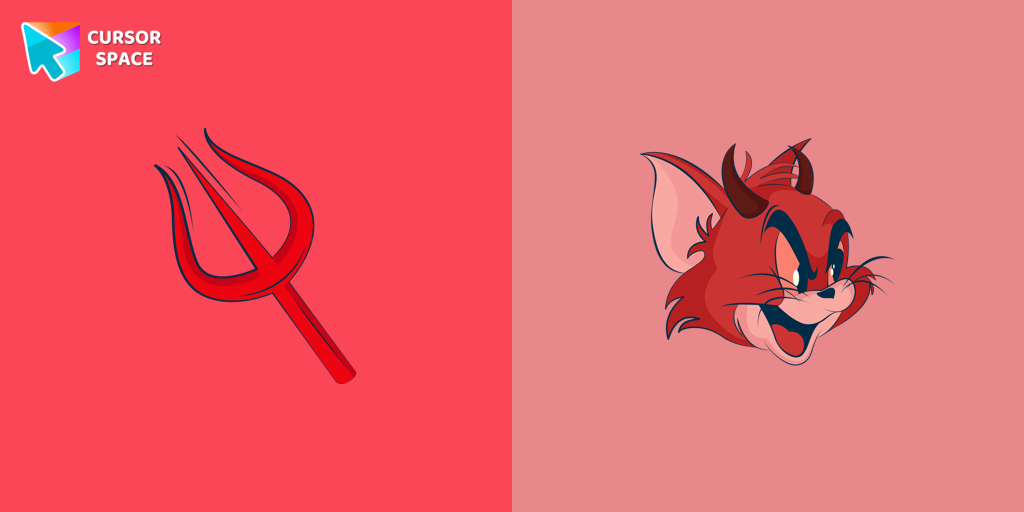 Devil Tom cursorMeet the custom cursor with Tom from Tom & Jerry cartoon in a Tom and Jerry custom cursors collection for mouse and pointers.
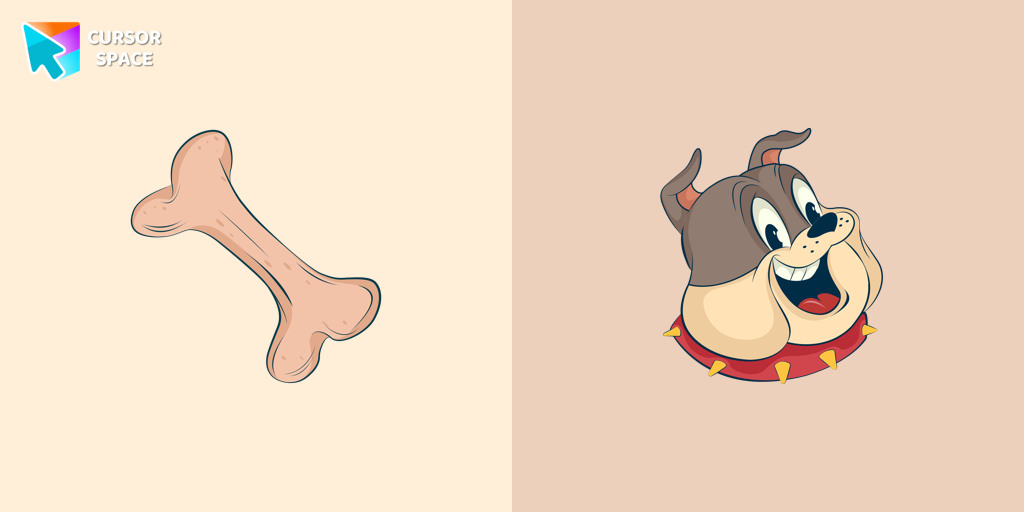 Spike Dog cursorCheck out our Spike dog cursor for a fun addition to your mouse pointer.
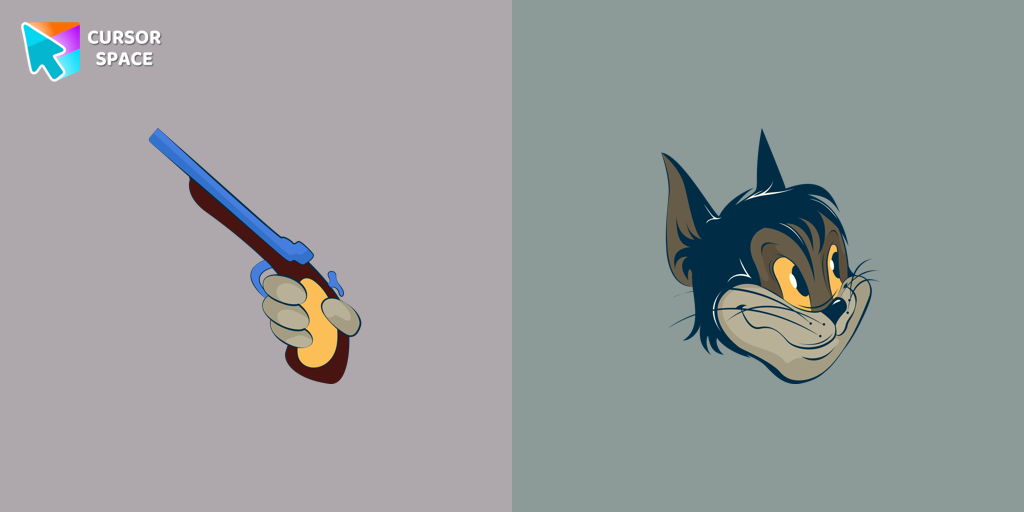 Butch cursorAdd some humor to your mouse pointer with our funny Butch Cat custom cursor from the Tom & Jerry collection for Chrome.
 Angel Tom cursorTom, the beloved cat from the animated comic cartoon Tom & Jerry, is a well-known character. Recognizable by his blue and grey fur, Tom spends his days chasing the mischievous house mouse, Jerry
 Elephant cursorTom and Jerry is a popular American animated cartoon known for its comedic short stories featuring cats and mice.
Collection hits
Installation leaders from "Tom & Jerry Custom Cursors": free packs, neon/anime/pixel art, quick add to Chrome and Edge.
- Top 1Happy Tom cursorDiscover joy with the happy Tom cat cursor for Chrome in our collection inspired by Tom and Jerry custom cursors for your mouse and pointers.
- Top 2Angry Jerry cursorSpice up your cursor collection with the incredible Tom and Jerry custom cursors, and say goodbye to boring cursors forever.
- Top 3Bored Tom cursorThe Tom and Jerry custom cursor collection for Chrome features a fun and animated cursor of Tom, the mischievous cat.
- Angry Tom cursorBring the iconic Tom cat to your screen with this custom cursor for Google Chrome. Get the angry Tom cat cursor from the Tom & Jerry collection today!
- Devil Tom cursorMeet the custom cursor with Tom from Tom & Jerry cartoon in a Tom and Jerry custom cursors collection for mouse and pointers.
- Spike Dog cursorCheck out our Spike dog cursor for a fun addition to your mouse pointer.
- Butch cursorAdd some humor to your mouse pointer with our funny Butch Cat custom cursor from the Tom & Jerry collection for Chrome.
- Angel Tom cursorTom, the beloved cat from the animated comic cartoon Tom & Jerry, is a well-known character. Recognizable by his blue and grey fur, Tom spends his days chasing the mischievous house mouse, Jerry
- Elephant cursorTom and Jerry is a popular American animated cartoon known for its comedic short stories featuring cats and mice.
Install Cursor Space - A Collection of Custom Cursors for Chrome & Edge
Add packs instantly and unlock access to thousands of cursors: neon, anime, pixel-art, and more. Fast, safe, and free.
- Free cursor packs
- HD/HiDPI & animated icons
- Quick browser installation
Cursor Space is an extension for changing your mouse cursor in Chrome and Edge browsers: themed collections, HiDPI icons, neon, animated, and pixel cursors, with quick installation.